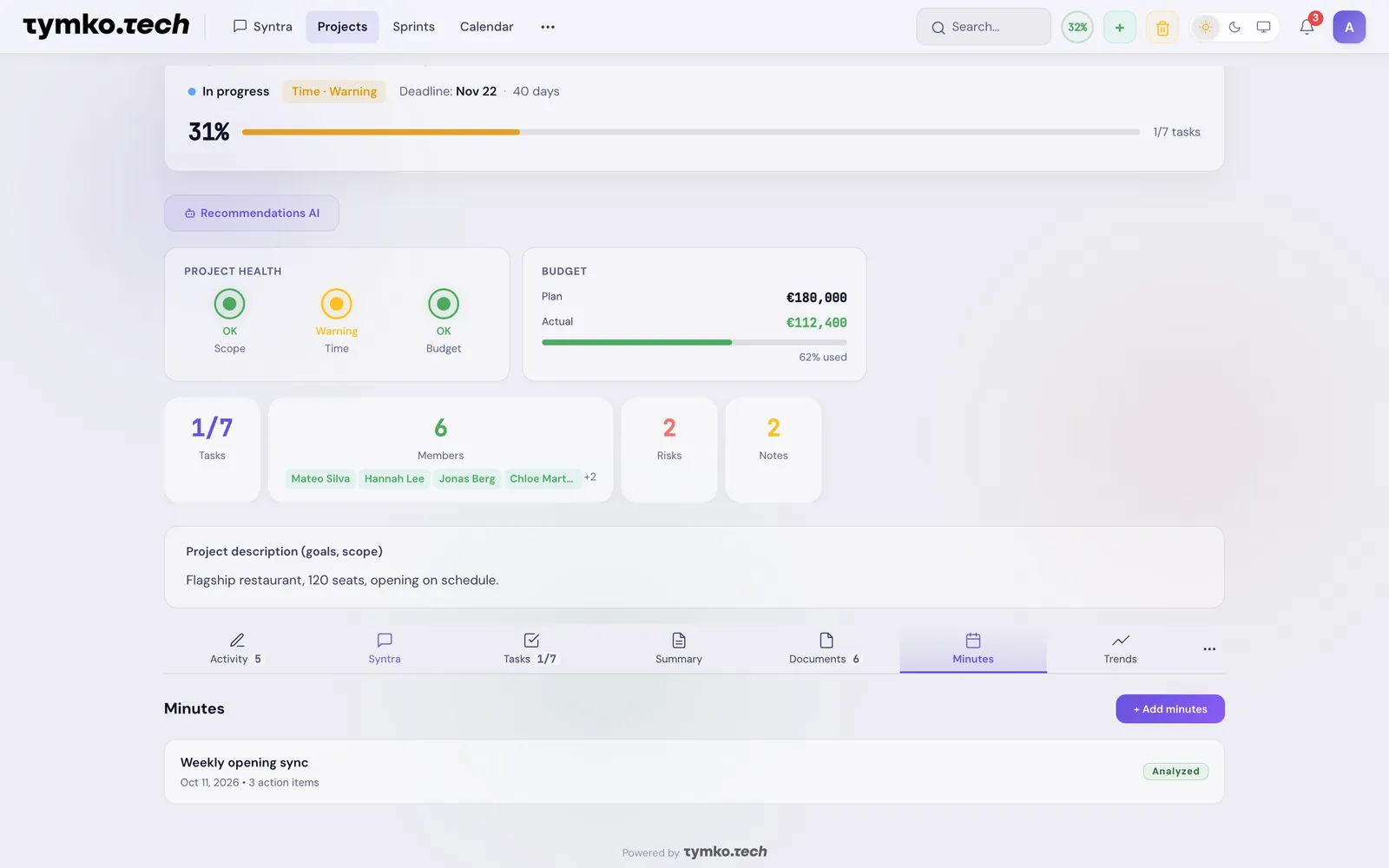
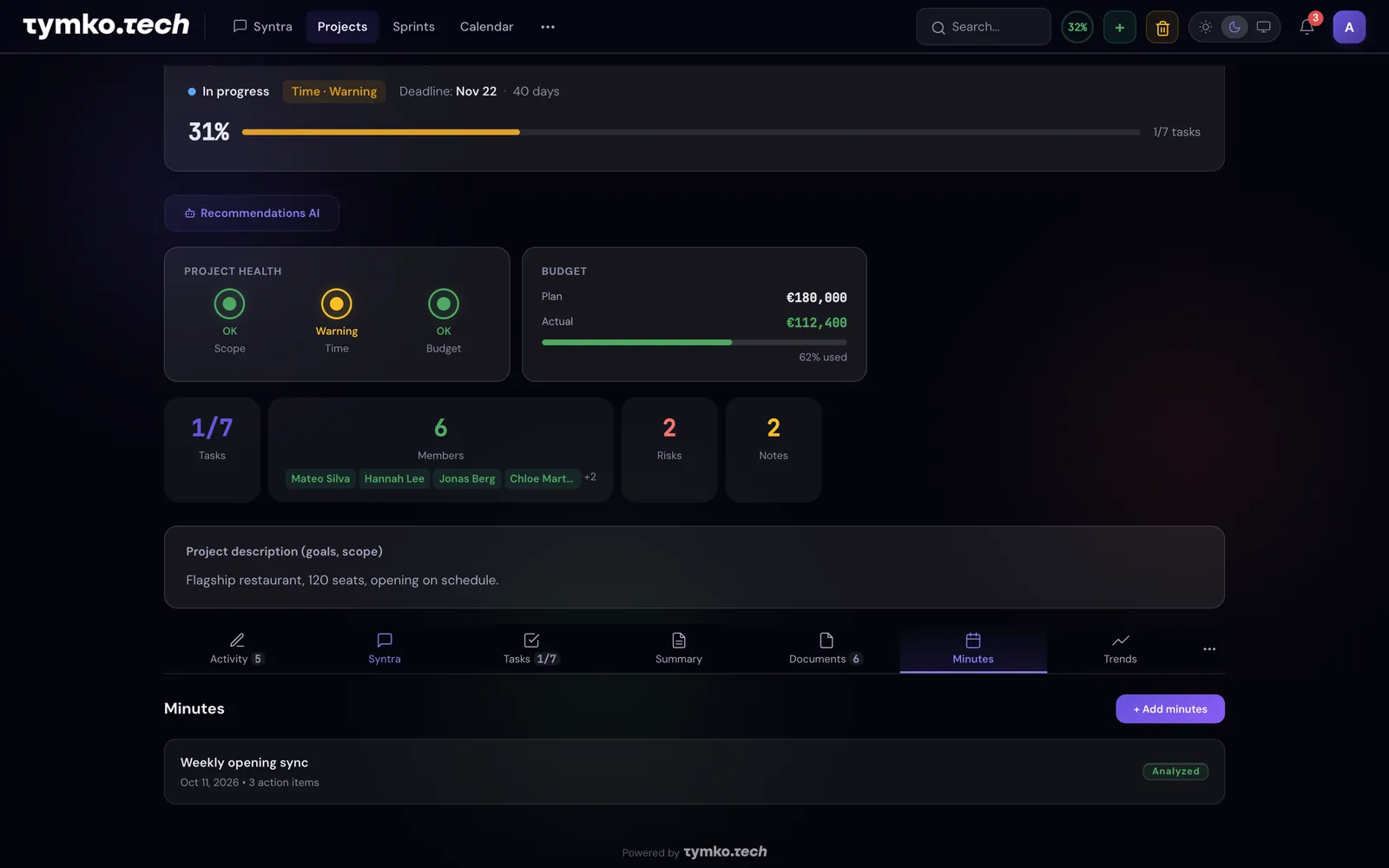
Complete project management in one place: data, AI, tasks, documents, risks.
Activity — the project’s wall: members and risks on top, below a feed where the team’s posts and actions share one timeline.
7
tabs
15+
AI tools
100%
in one place
1 click
protocol → tasks
7 TABS
Activity
Tab 1
The project's wall — it opens first. On top, two blocks side by side (stacked on phones): "Members" — each with an access role (Editor or Viewer), what they do and a status — and "Risks": open ones with level and mitigation plan, closed ones behind a toggle. Below, "Feed" and "Notes". The feed interleaves people's posts with the team's actions: tasks created and completed, status changes, risks, documents, members joining — one timeline, so the project's history shows at a glance. Full change log with recovery from trash — in the "History" tab.
membersrisksteam feednotes
Syntra
Tab 2
Contextual AI with access to all project data. 15+ tools, search across uploaded documents, answers appear instantly, even before generation completes, voice input, quick suggestions.
document searchinstant responsevoice
Tasks
Tab 3
Kanban + list. AI creates tasks from chat and meeting protocols, assigns them to people on the team, sets deadlines. Priorities, statuses, progress. Whoever gets a task becomes a project member automatically — there is no separate list of executors.
kanbanAI assignmentdeadlines
Summary
Tab 4
AI-generated executive summary: status, key risks, recommendations, progress. Updates on request or automatically.
AI summaryrisksrecommendations
Documents
Tab 5
PDF, DOCX, XLSX, images. AI reads and cites with source references. Search across the entire project document library.
PDF DOCX XLSXdocument searchcitation
Protocols
Tab 6
Paste a transcript or upload a meeting file — AI recognizes the protocol itself: decisions, risks, and action items. Each action item immediately becomes a task with an assignee from your team and a deadline; if the person isn't a project member yet, they're added automatically. You just review and confirm with one click.
auto-recognitiontasks to assigneesdecisions and risks
Trends
Tab 7
Project progress charts in dynamics: completed tasks, number of risks, health. Daily snapshots show where the project is heading, before it becomes a problem.
progressrisk dynamicsdaily snapshots
IN THE APP
Tasks — assignees, deadlines and urgency.
Summary — AI writes the status from project data.
Meeting minutes with decisions and action items.
Project card: health, budget, deadline and members at a glance; the Report button gives a weekly status or summary PDF, or Word.
AI sees the entire project
In AI Chat, the contextual scope includes the members, tasks, documents, risks, and meetings of the current project. Questions — answers based on real data, not general knowledge.