INTEGRATIONS
Syntra doesn't replace your tools.
It makes them work together.
It makes them work together.
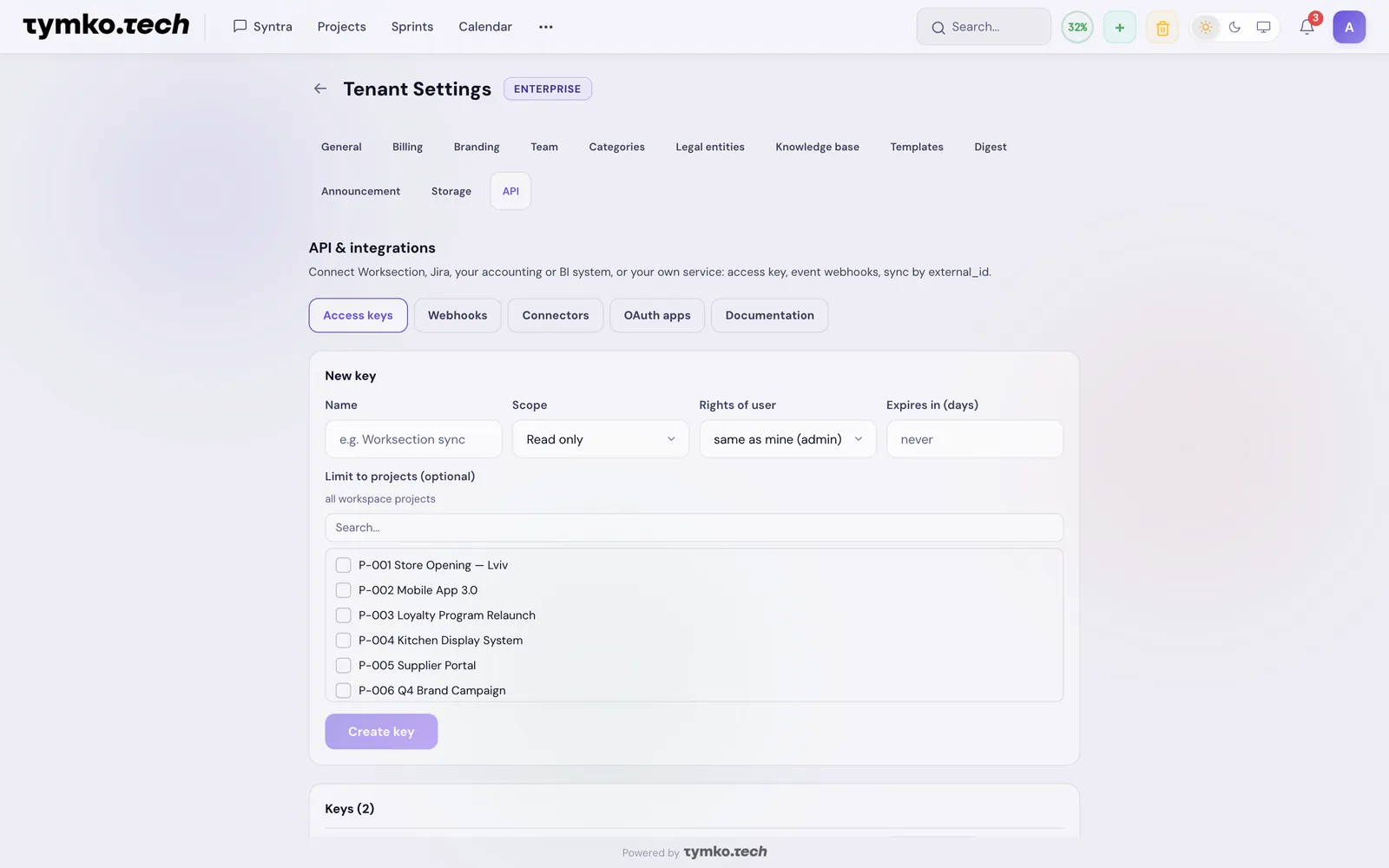
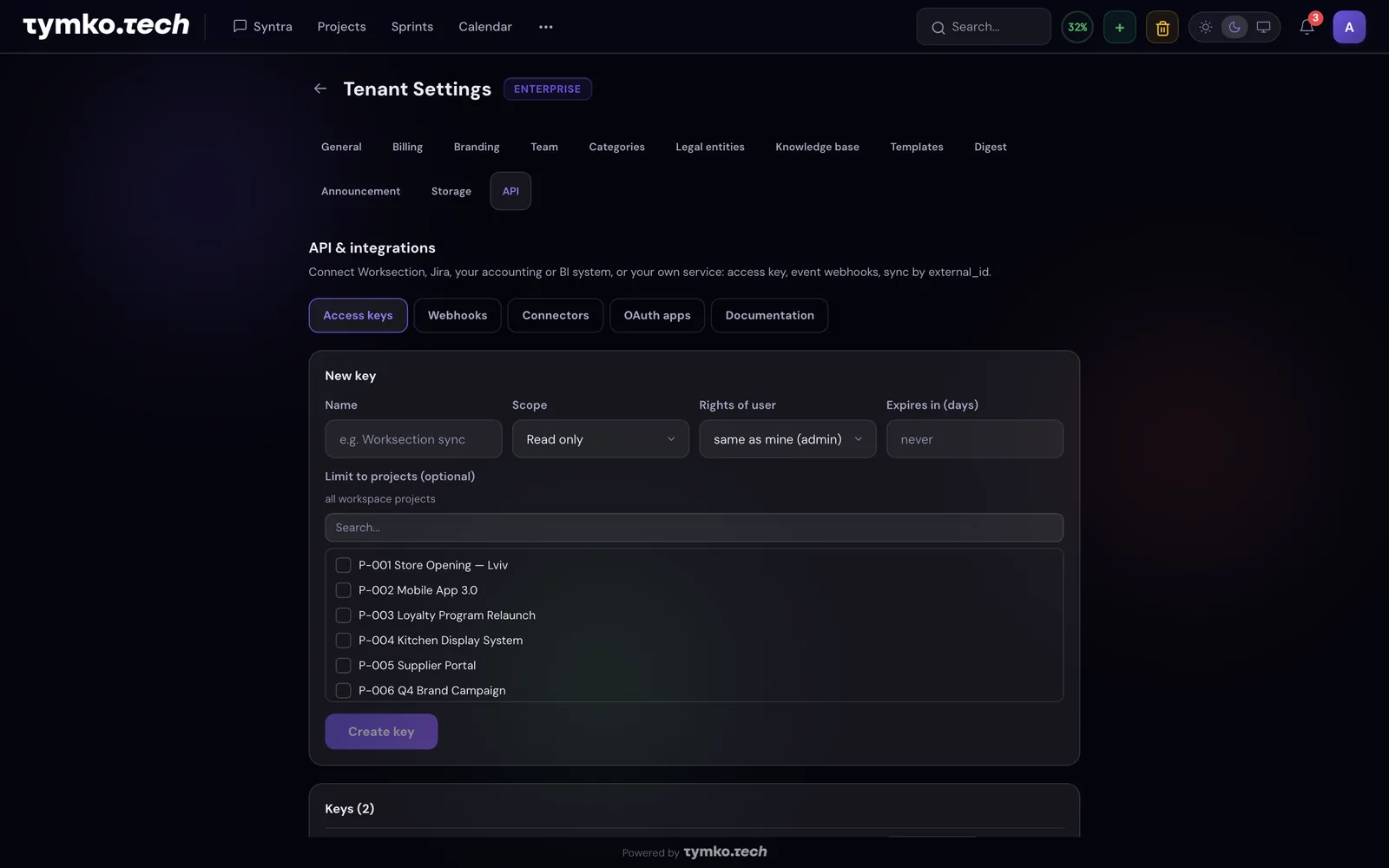
Your team works in your favorite tracker, accounting uses 1C, developers use GitHub. Syntra brings it all into one picture without breaking anything: tasks sync, events flow to your services, AI assistant connects in a minute.
4
ready-made no-code connectors
↔
two-way synchronization
0
deletions — nothing disappears
1 min
connect an AI assistant
READY-MADE CONNECTORS
Direction is your choice: to Syntra only, from Syntra only, or both ways. Interval too: from minutes to once a day.
HOW TO CONNECT
WEBHOOKS AND API
Unavailable via API are things only humans should do: passwords, billing, company settings, invites. Tasks created externally carry a source label — no duplicates.
AI ASSISTANTS
Your AI assistant sees projects the way you do.
Revoke assistant access with one click in Settings → API — takes effect immediately.
RULES THAT DON'T BREAK
Nothing disappears
Not in Syntra, not in the external system
No duplicates
Each external task has a source label
Conflict — honest
Changed both sides — external system wins
Everything logged
Who, what, when — just like manual changes
Integrations available on Enterprise plan. Step-by-step docs are in the app: Settings → API → Documentation.
Your tools stay yours.
One picture in Syntra.
Connectors, webhooks, API, AI assistants — without migration, without "everyone moves now", without losing history.
← All features · Powered by 