Don't ask in chat "are you free at three?" Open the calendar — see everyone at once.
Everyone connects their calendar in a minute. Syntra only reads availability and shows the team in one grid together with task deadlines and project meetings.
Team week: busy time from personal calendars, task deadlines and project meetings in one grid.
1 action
to connect a calendar
0
changes to your calendar — read-only
5 min
auto-refresh of availability
5
calendars per person — work and personal
CONNECTION
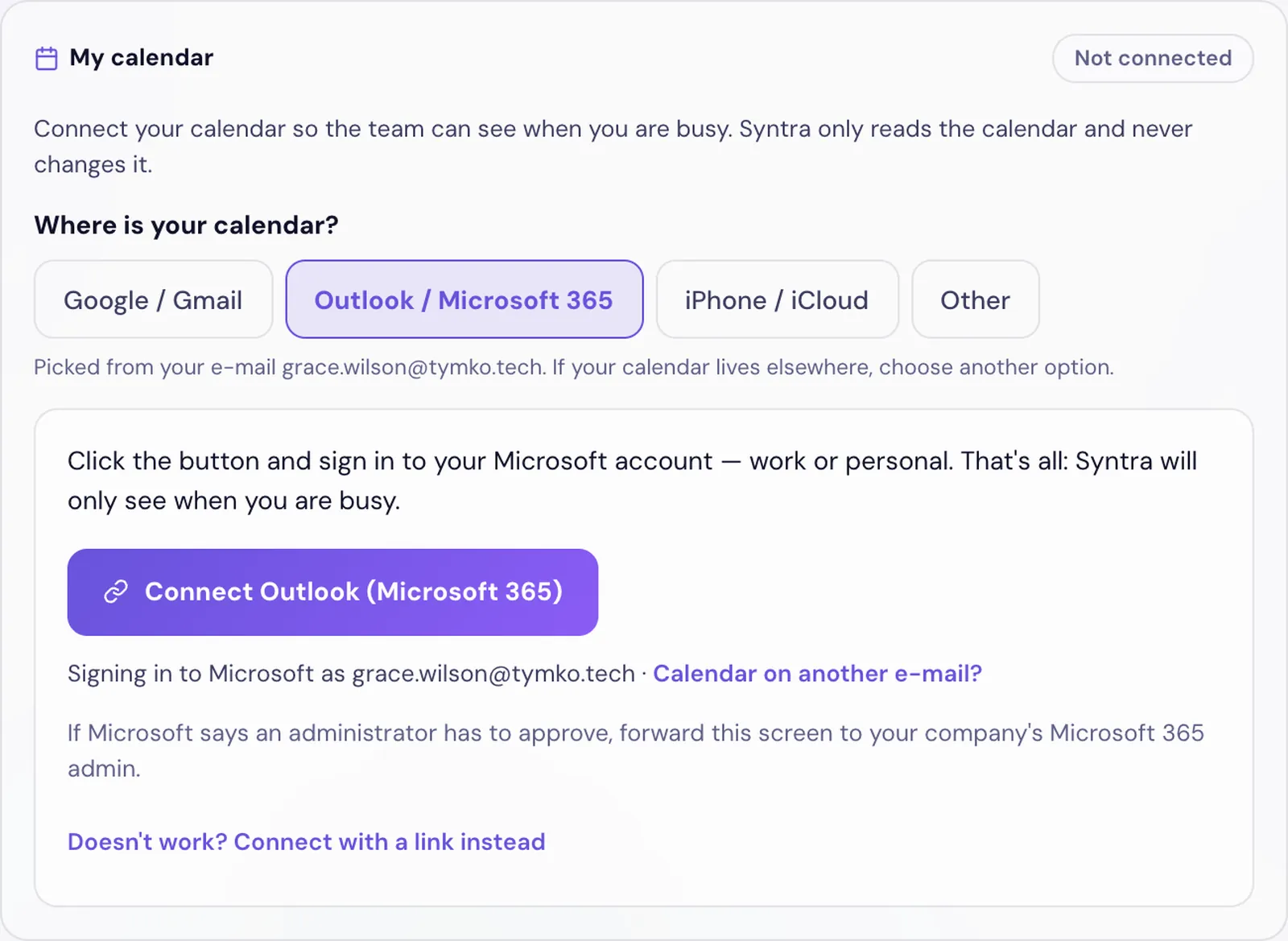
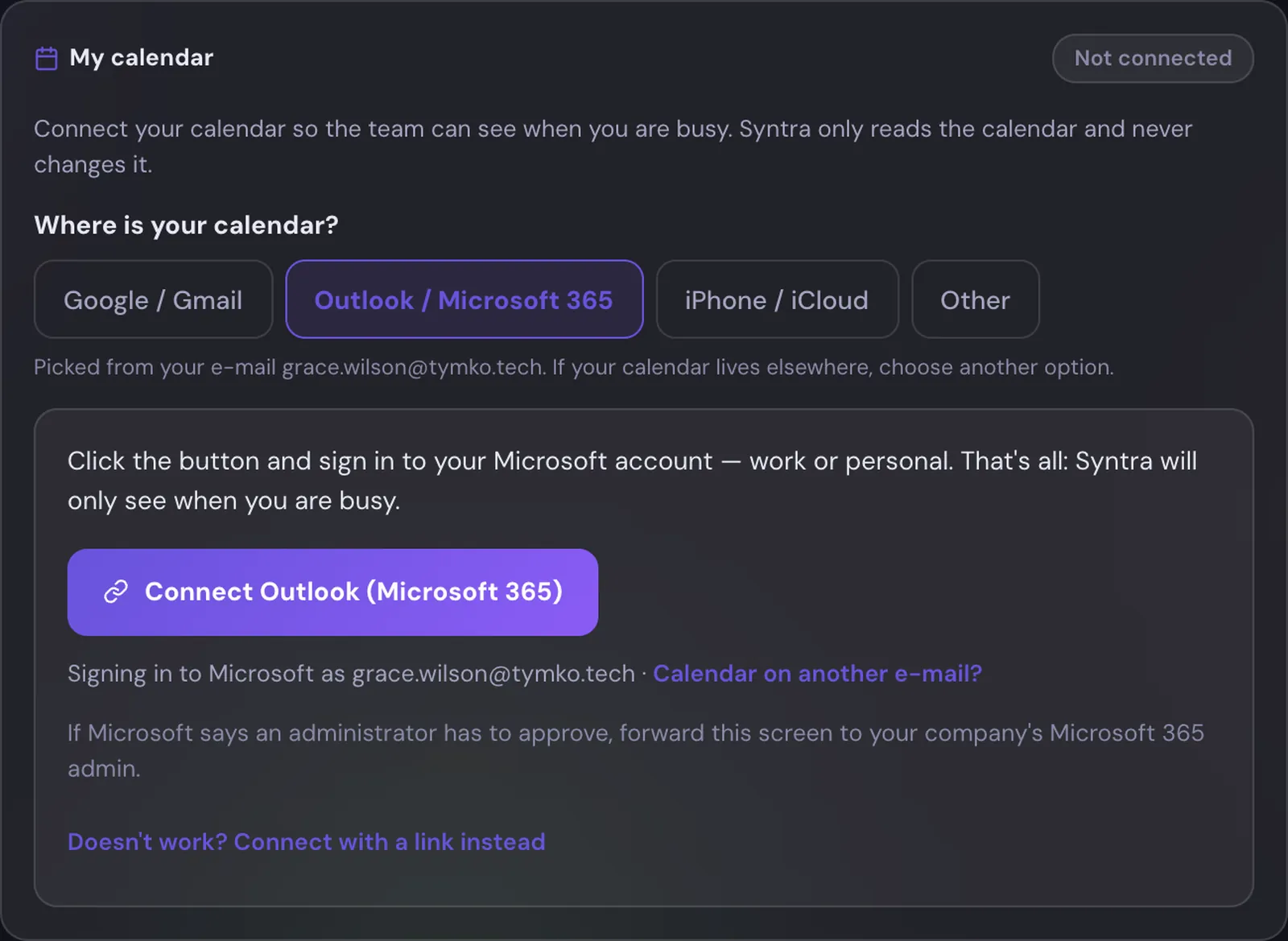
Outlook / Microsoft 365 — one sign-in
Click «Connect Outlook» and sign in to your Microsoft account — work or personal. Nothing to copy or configure. Calendar on another mailbox? Enter that address and Microsoft will ask you to sign in there.
Google, iCloud and others — step by step
Syntra picks the guide from your e-mail. Google — share your calendar with Syntra’s address; iPhone/iCloud, Proton, Zoho and others — paste a secret iCal link. Links are stored encrypted and shown to no one.
Connecting takes a minute — Syntra picks the right guide from your e-mail.
PRIVACY
Read-only
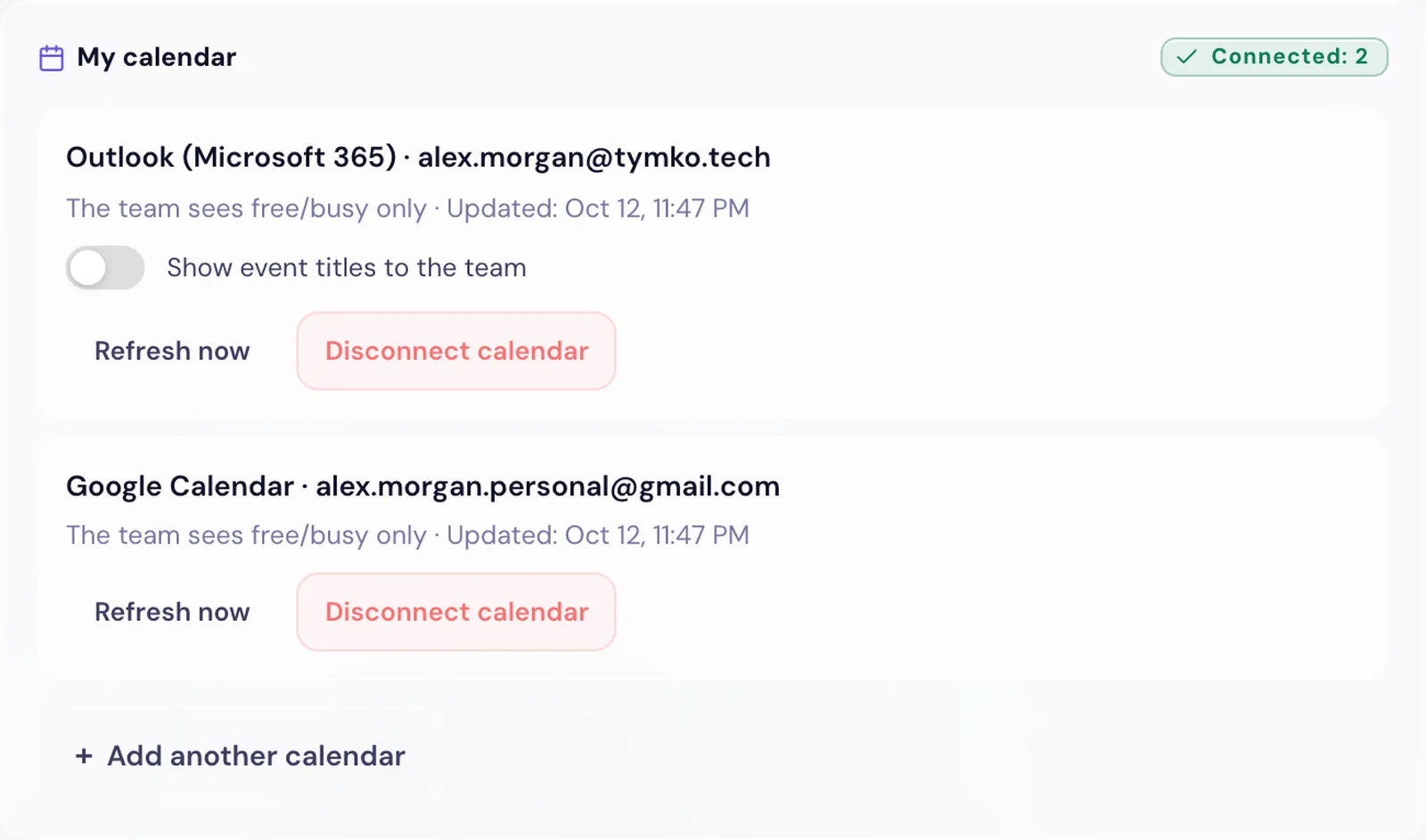
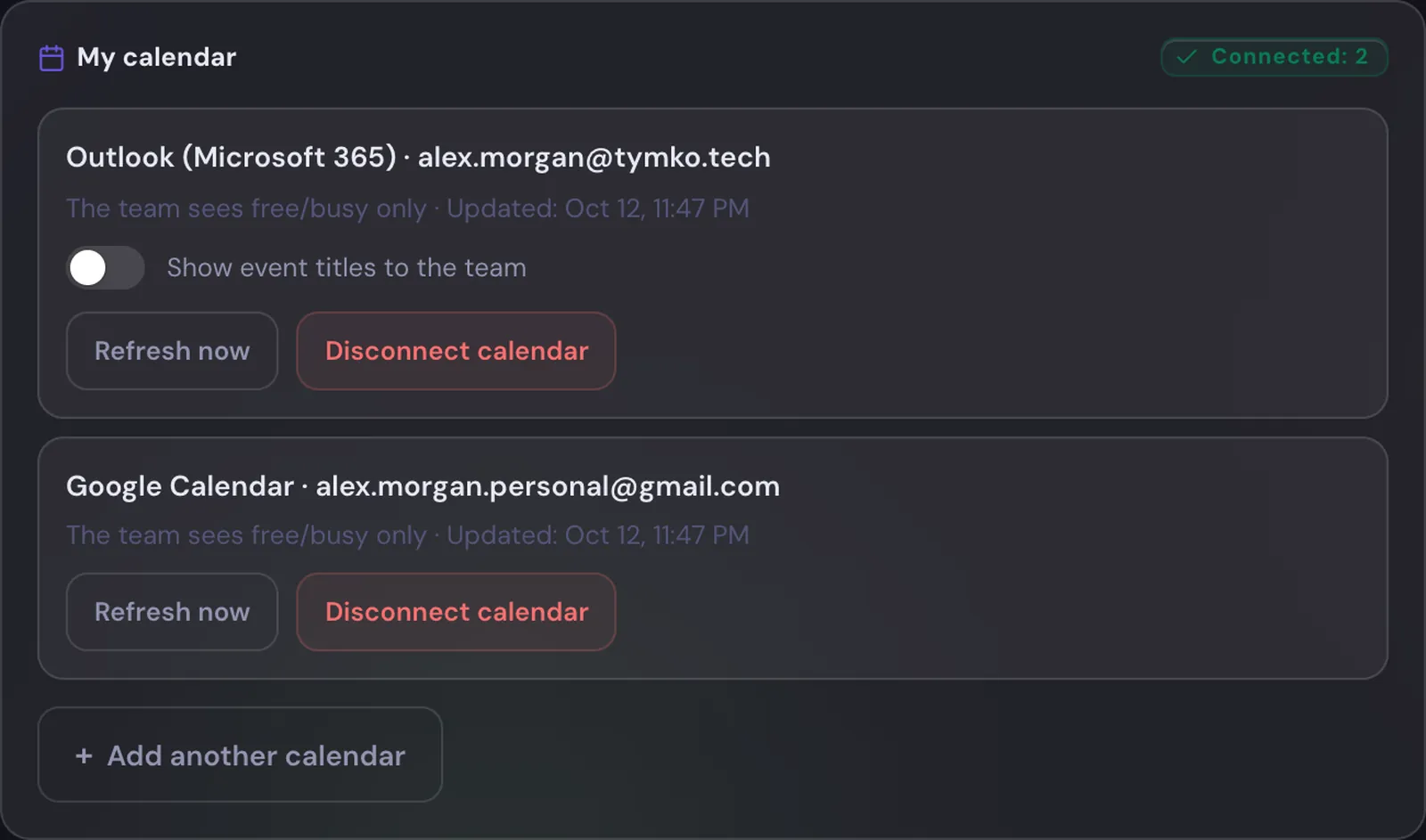
Syntra never creates, modifies, or deletes events in your calendar. You can disconnect with one click — all saved events disappear.
Availability, not content
The team sees that you're busy from 10:00 to 11:30. Event names — only if you allow it yourself. Syntra doesn't store descriptions and participants at all.
Control in your hands
"Show event names to team" is turned on and off in Settings at any time. Turn it off — names disappear immediately without waiting for an update.
Several calendars per person. You decide whether the team sees event titles.
TEAM CALENDAR
Week by people
Row — person, column — day. Filter by department or project, or tick just the people you need. Overlapping meetings merge into one block with a count. On mobile — a day view.
Find a time
Press «Find a time» and Syntra lists the nearest windows when everyone selected is free — 30 minutes to 2 hours. Click a time to copy it into an invite.
Deadlines and load
Task deadlines and project meetings sit in the same grid. Next to each person — SP due this week against free days, so an overloaded week shows up before something slips.
Everyone sees their teams — colleagues from their departments and projects; admins see the whole company. Anyone can connect their own calendar on any plan; the team calendar is available on Business and Enterprise.
Tick the people you need — «Find a time» shows when all of them are free.
One calendar for the team.
Availability is visible. Privacy is yours.
No shared spreadsheets with time off and no "send me your calendar". Everyone connects their own — Syntra gets the picture.